Bulk merge
-
To start a bulk merge, click the
Open Person Viewicon. ThePerson Summary Viewscreen shows: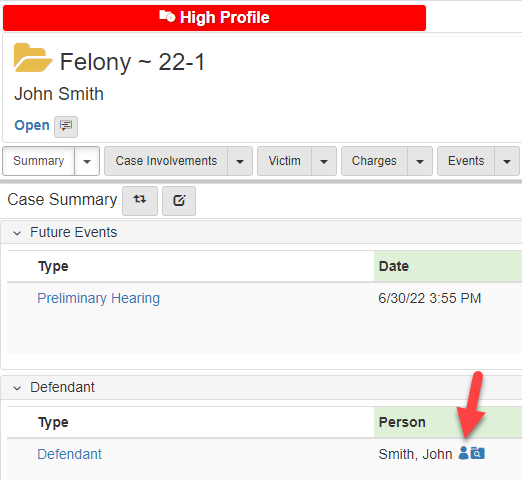
-
Click the
Summarydropdown, hover overUtilities, hover overPerson Merge, clickBulk Merge: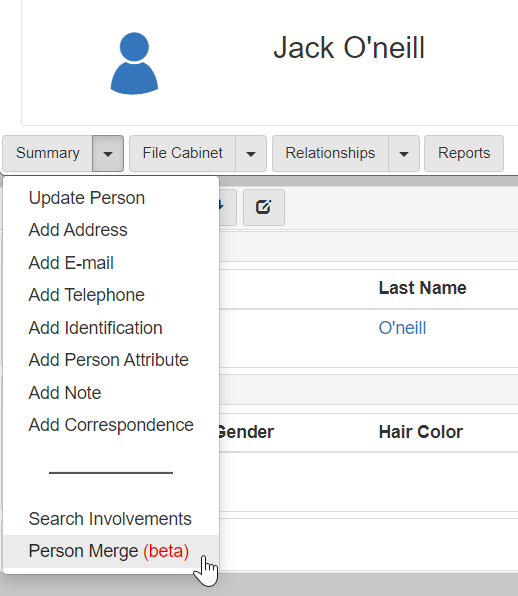
-
In the
Bulk Mergesearch dropdown, select the search to execute: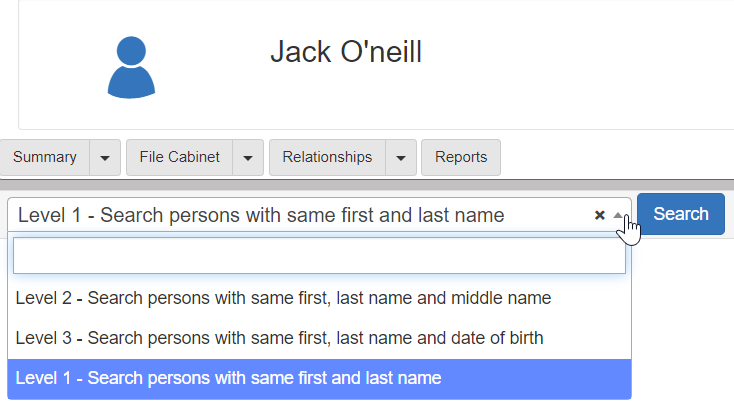
-
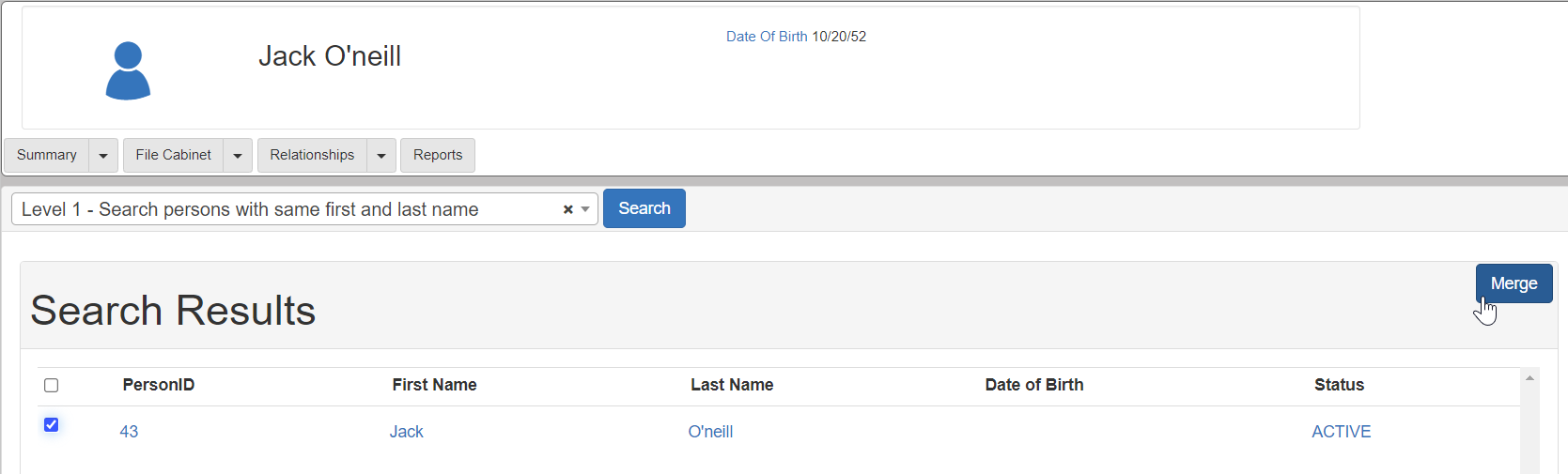
On the
Bulk Mergesearch screen, select the checkbox next to the person record that needs to merge with the current person record. -
Click Merge:
-
The
Person Bulk Merge Confirmationdialog shows. Click Merge.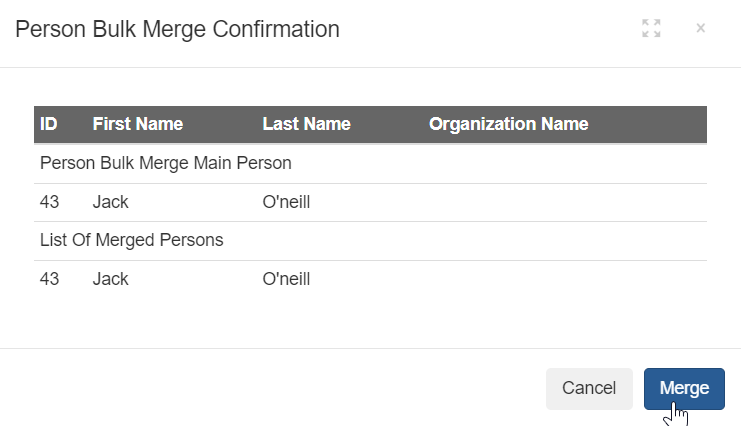
-
The following message shows:
Person has been successfully merged.. Click OK.