Person navigation
Like the Case View, the Person View shows a header and a body.
Use this screen to show and change all Person information, including involvements, contact information, and documents.
Header
The Person Header shows an image of the person, if available, plus their name, date of birth, gender, weight, ethnicity, and hair color.

Summary
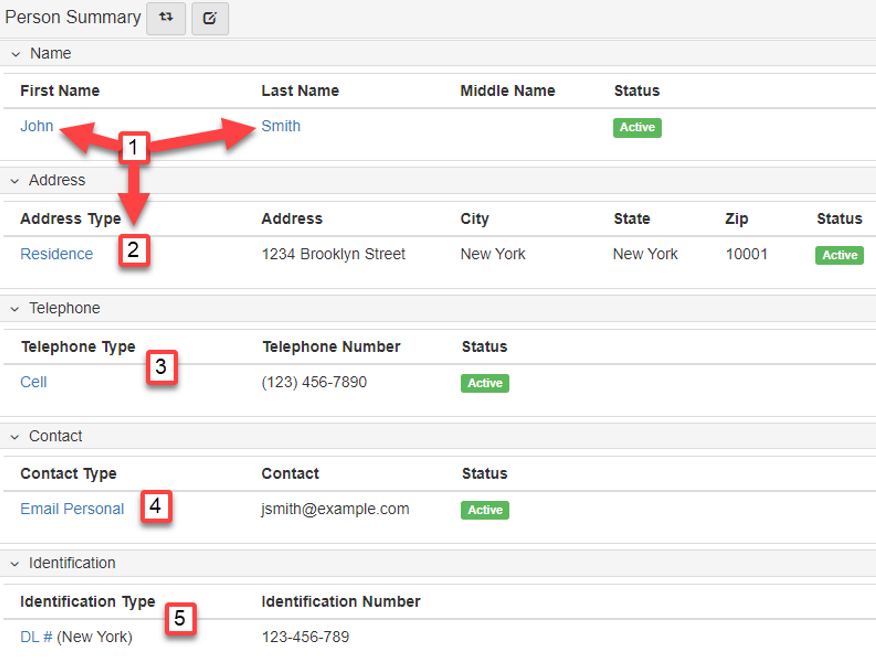
Click Summary to show the Person Folder View.
The form shows all information associated to the selected Person, including links to edit the information.
Refer to Person for more information.
Dropdown
-
Select
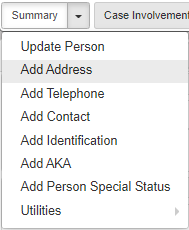
Update Personto manage information, including name, date of birth, appearance, and a Header photo.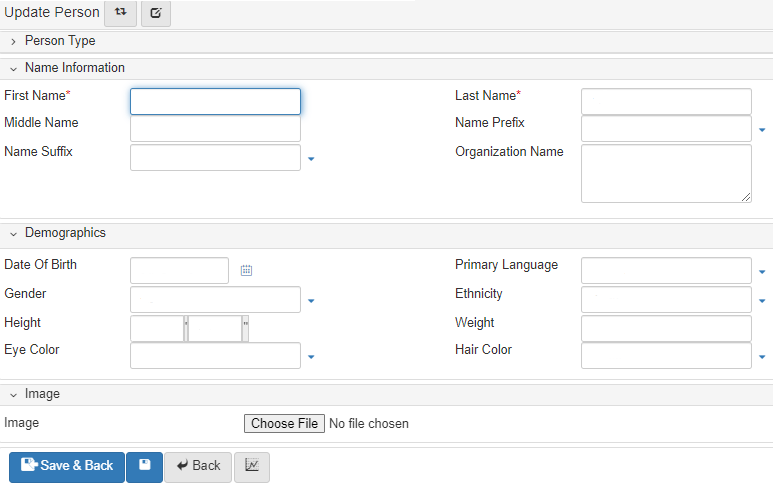
-
Select
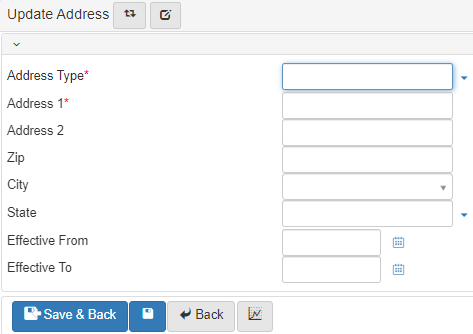
Add Addressto add an address for thePerson.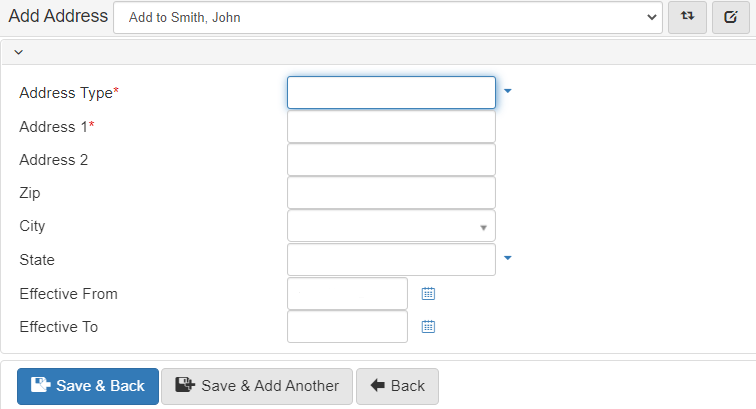
-
Select
Add E-mailto add an email address for thePerson.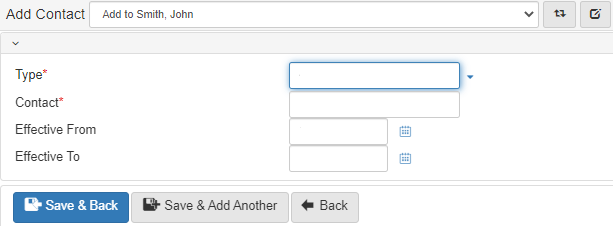
-
Select
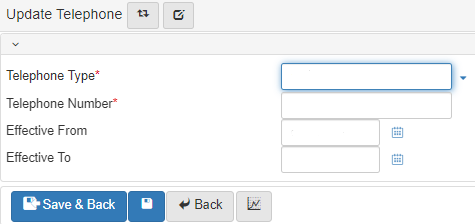
Add Telephoneto add a telephone number for thePerson.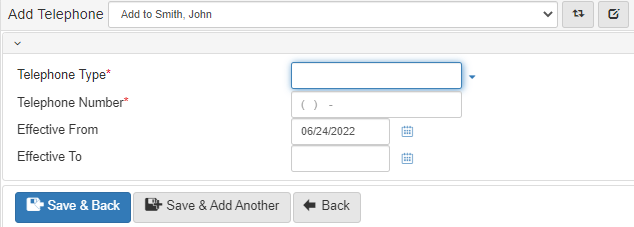
-
Select
Add Identificationto add identifying documents for thePerson.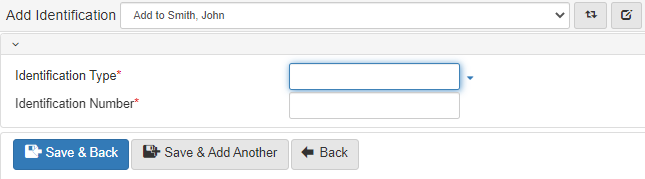
-
Select
Add Person Attributeto add descriptive attributes for thePerson.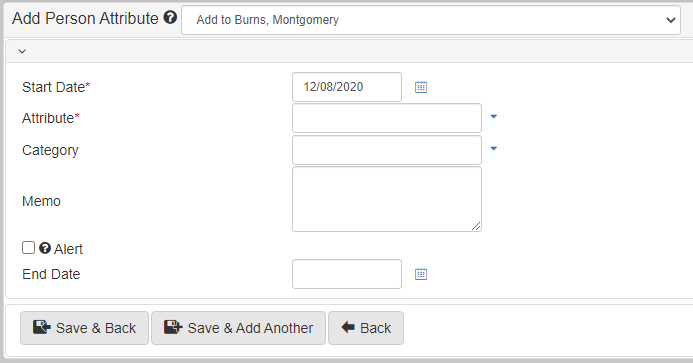
-
Select
Add Noteto add a note to thePerson.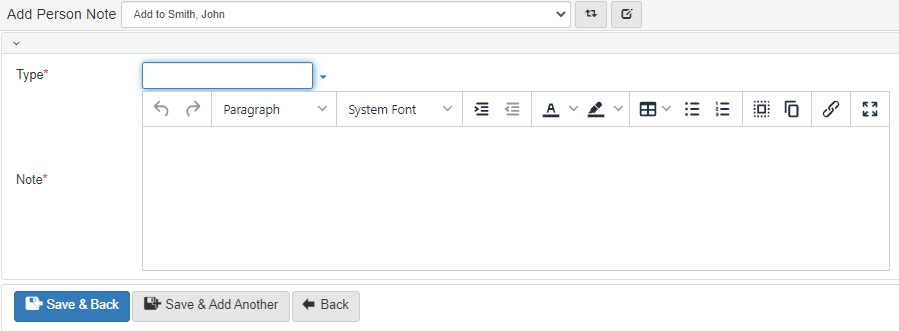
-
Select
Search involvementsto find all involvements for aPersonby involvement type or date of involvement.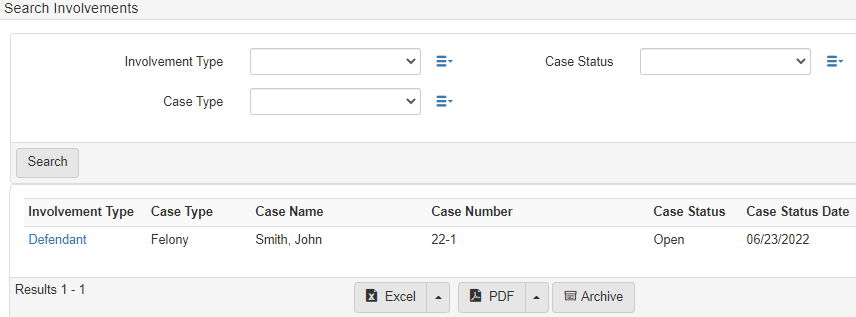
-
Select
Person Merge (beta)to Merge person records.
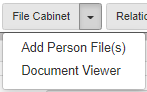
File cabinet:
Click File Cabinet to show the File Cabinet Folder View.
For more information, refer to Filing cabinet.
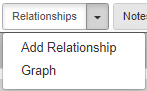
Relationships
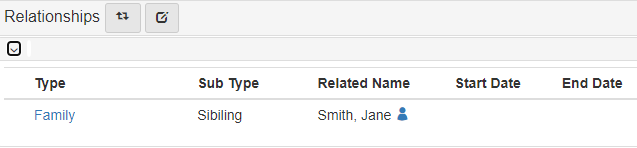
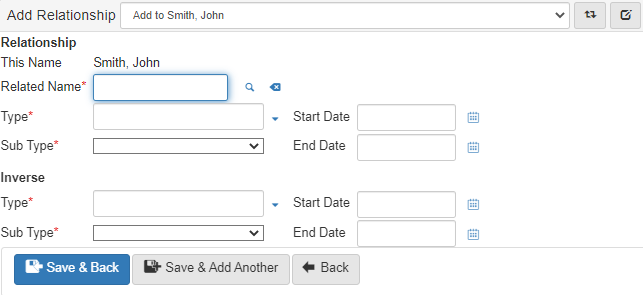
The Relationship Folder View shows all relationships of the selected person and allows for quick editing by clicking a relationship.
Refer to Relationships for more information.