Events
Events can be accessed by clicking the Events tab in the case folder view.
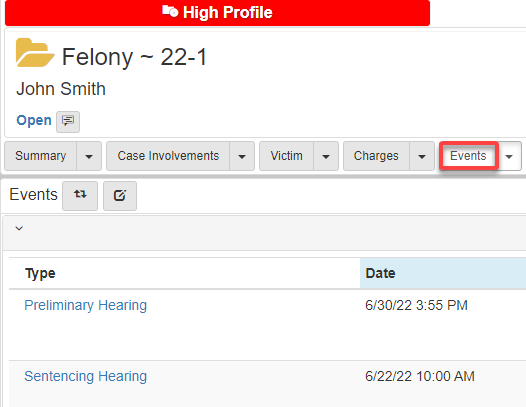
For information on how to navigate to the case folder view, see Cases.
To add an event:
-
Click the
Eventsdropdown, then selectAdd Event: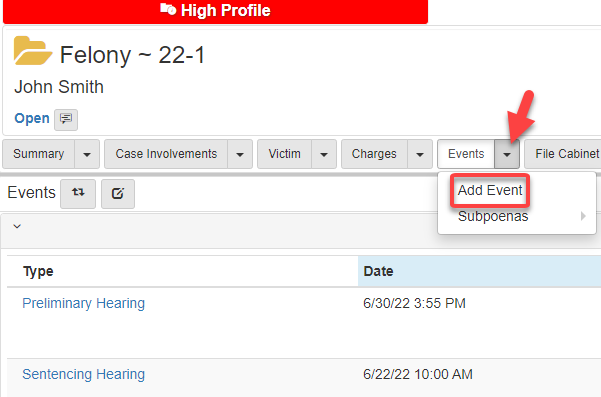
-
Fill in the
Add Eventscreen. -
Click Save.
After the creation of an event, a user can edit and add notes.
Click the Notes icon for an event to add a note.
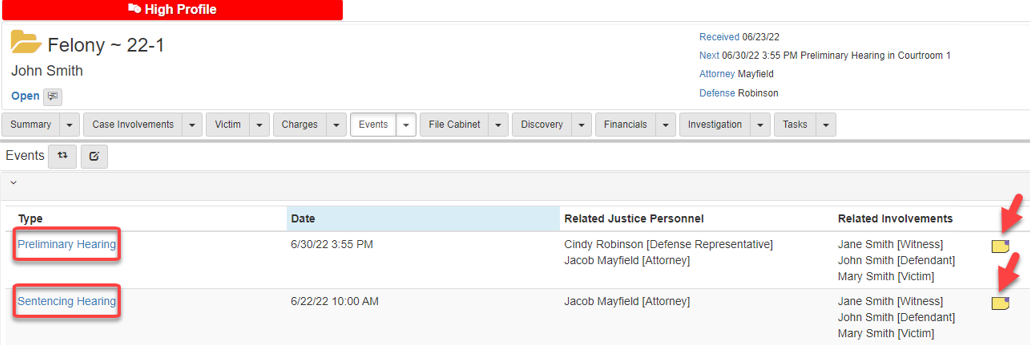
Notes added to each event are also added to the case notes.
Edit an event by clicking the Case type, which shows an editing page.