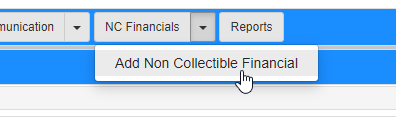
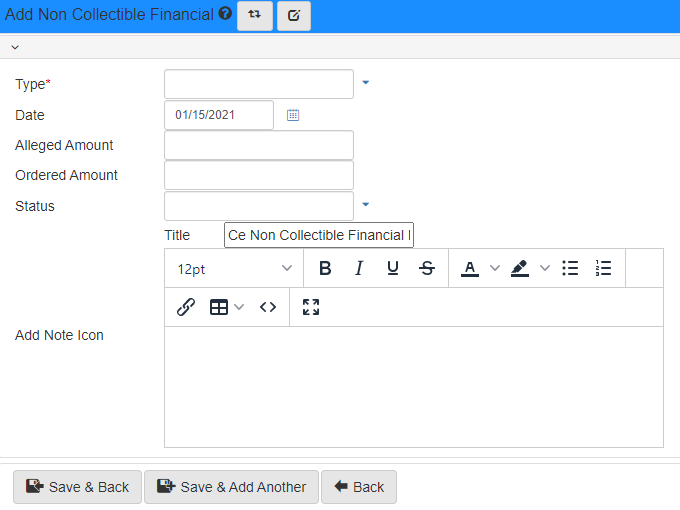
Non-collectible financials
The Non-collectible Financials Folder View shows all non-collectible financials with their type, date, alleged amount, ordered amount and status.
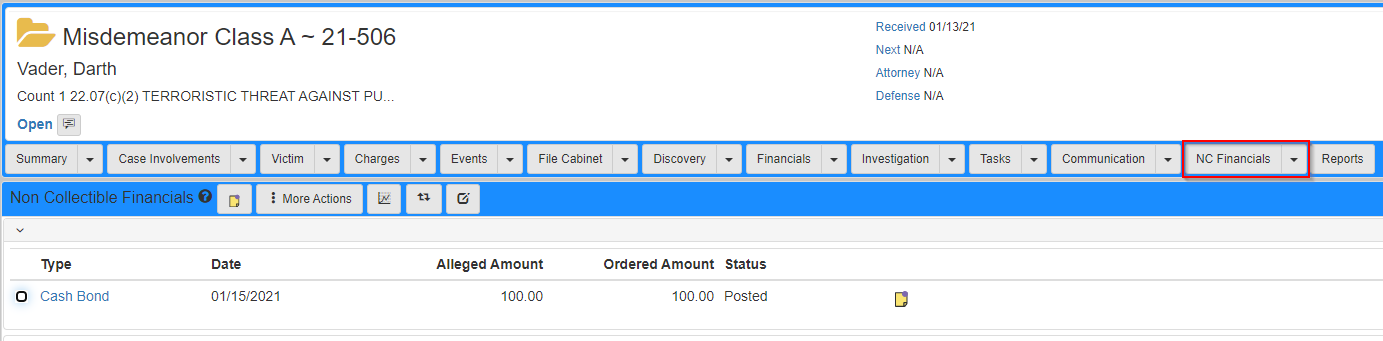
The Non-collectible Financials Folder View can be accessed on the Case Folder View by clicking the NC Financials tab.
For information on navigating to the case folder view, refer to Cases.
Click a value in the Type on a row to edit that non-collectible financial.