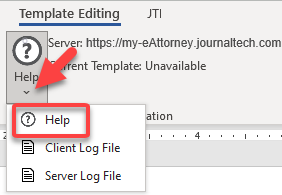
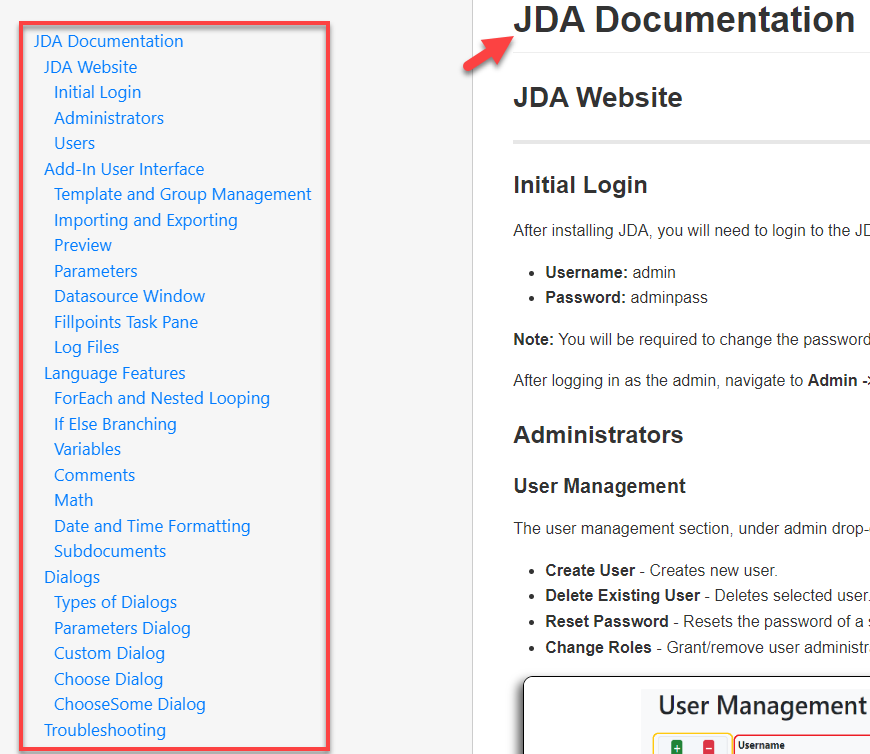
JDA documentation
Login process
-
To access your JDA documentation, open Microsoft Word and click the Template Editing Menu.

-
Select
Login.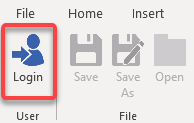
-
In the JDA Login dialog box, enter the Server URL, your username, and your password. To have your credentials saved, select
Remember my credentials. Then select Login.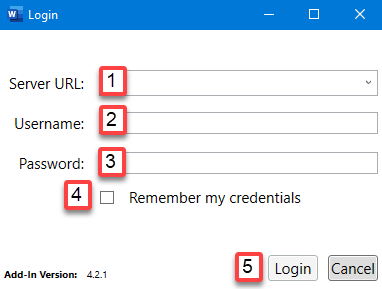
-
After you complete the login process, your server URL is included in the Template Editing ribbon.